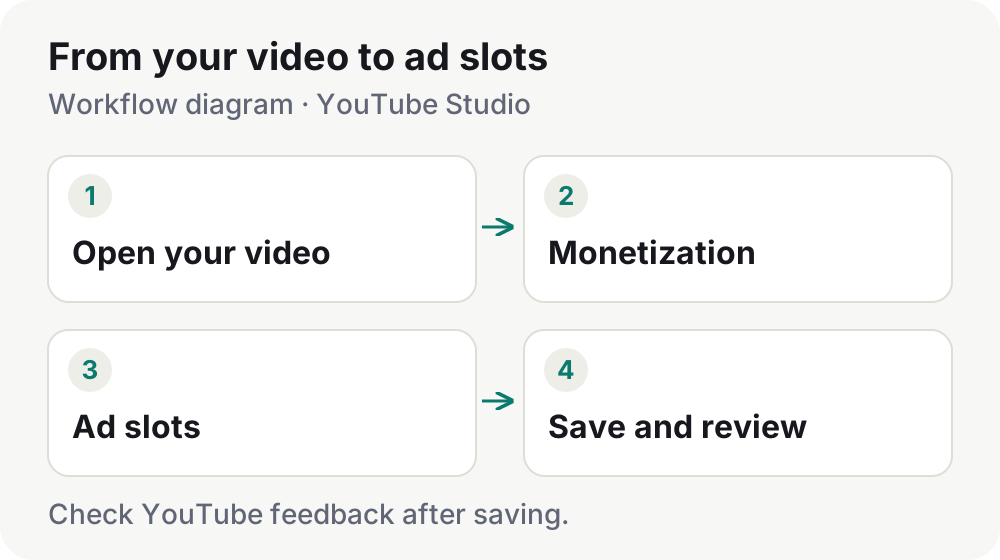
Studio placement
How to place mid-roll ads in YouTube Studio
Open the editor, choose placements and review your saved layout. A practical guide to manual and automatic slots.
Read article Monvilo
MONVILO JOURNAL
Start with the Studio ad-slot editor: find the controls, add a placement and review your saved changes. These guides walk through the workflow and help you choose between manual and automatic placement.
TOPIC COLLECTION
Studio placement
Open the editor, choose placements and review your saved layout. A practical guide to manual and automatic slots.
Read article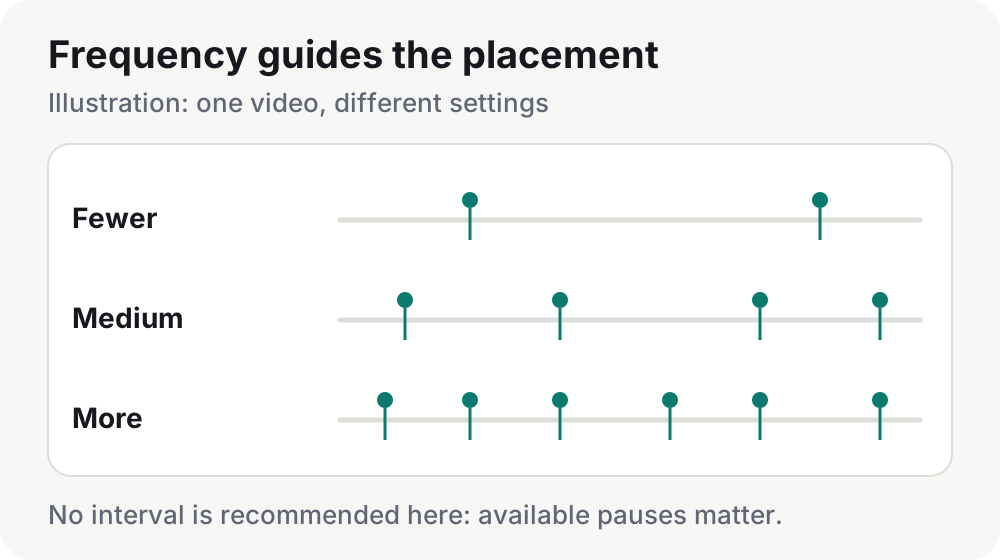
Studio placement
Treat frequency as a target and match ad-slot spacing to the transitions in your video.
Read article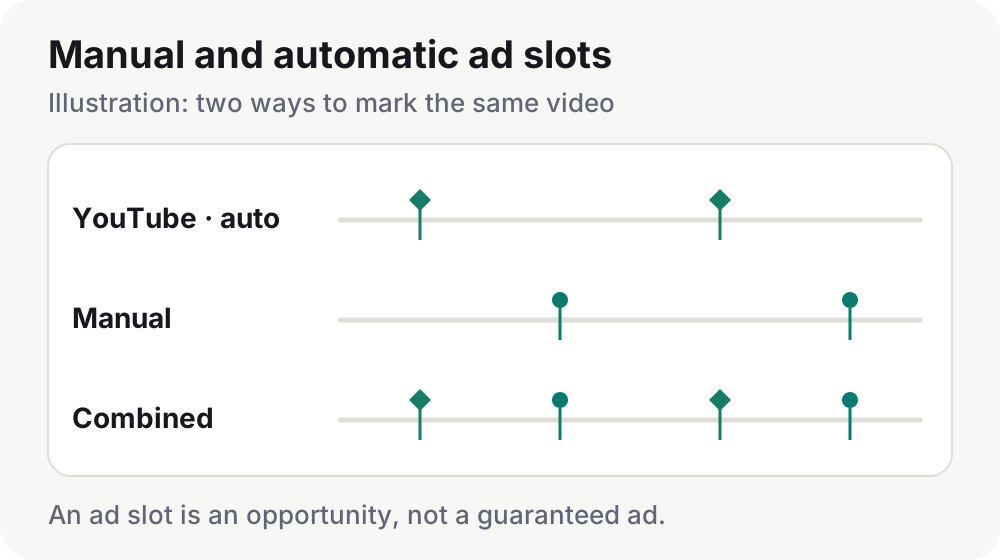
Studio placement
Combine YouTube placements with your own choices without confusing automation with the type of slot.
Read article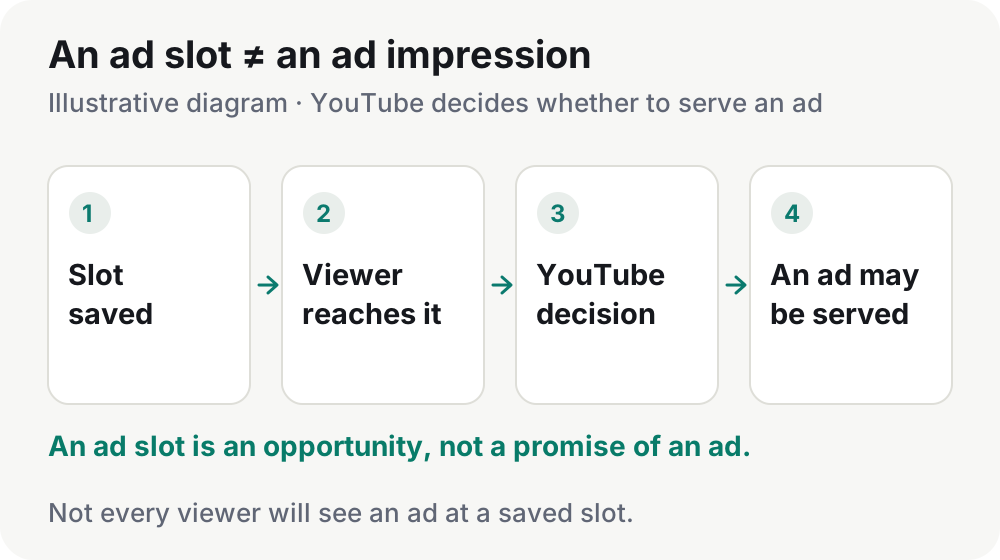
Studio placement
Separate a saved timestamp from an actual impression and check the settings you can control.
Read article