START HERE
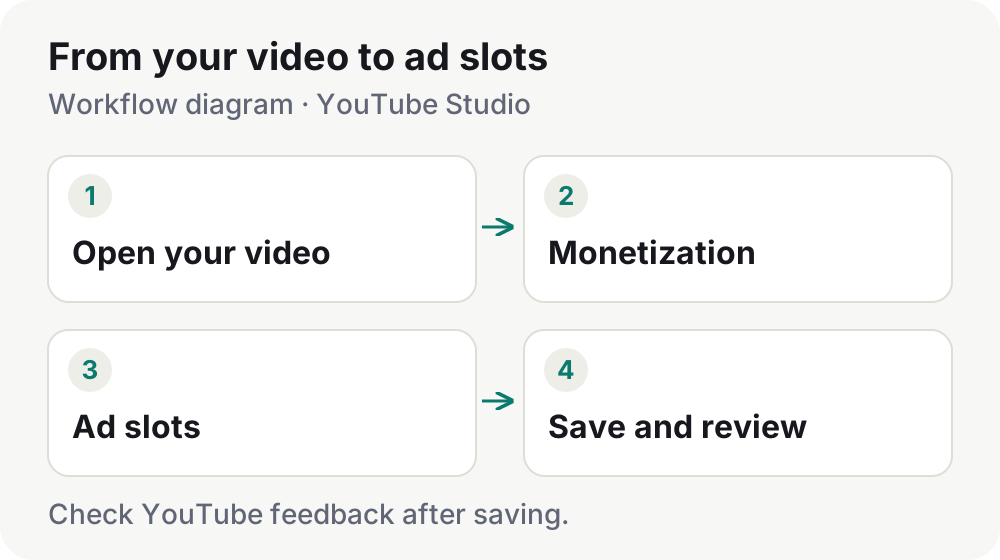
How to place mid-roll ads in YouTube Studio
Open the editor, choose placements and review your saved layout. A practical guide to manual and automatic slots.
Read the guide Monvilo
MONVILO JOURNAL
Set up ad slots, find suitable pauses and review the result. Practical instructions for working in YouTube Studio.
START HERE
Open the editor, choose placements and review your saved layout. A practical guide to manual and automatic slots.
Read the guideGUIDE LIBRARY
Speech & music
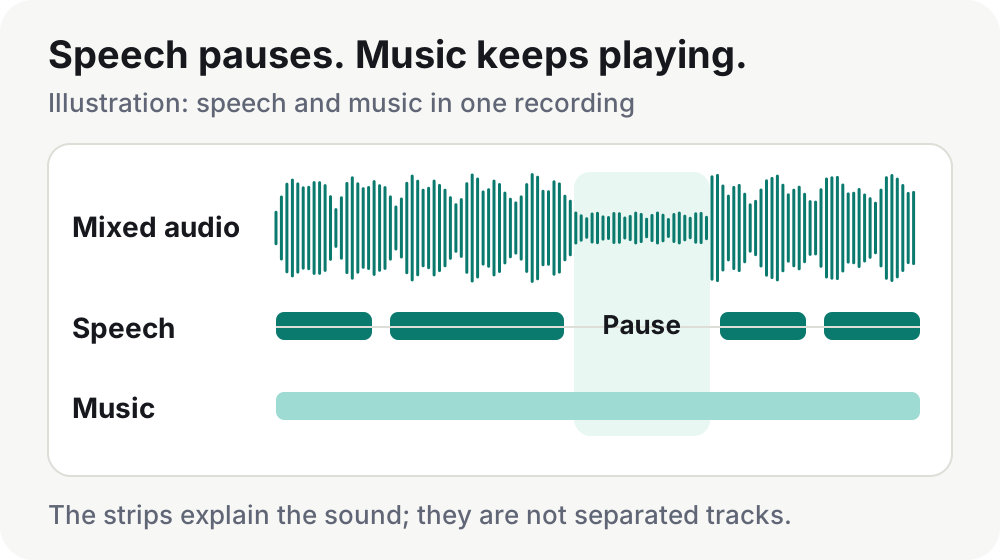
Find speech pauses over music and review whether a transition suits an ad break.
Read article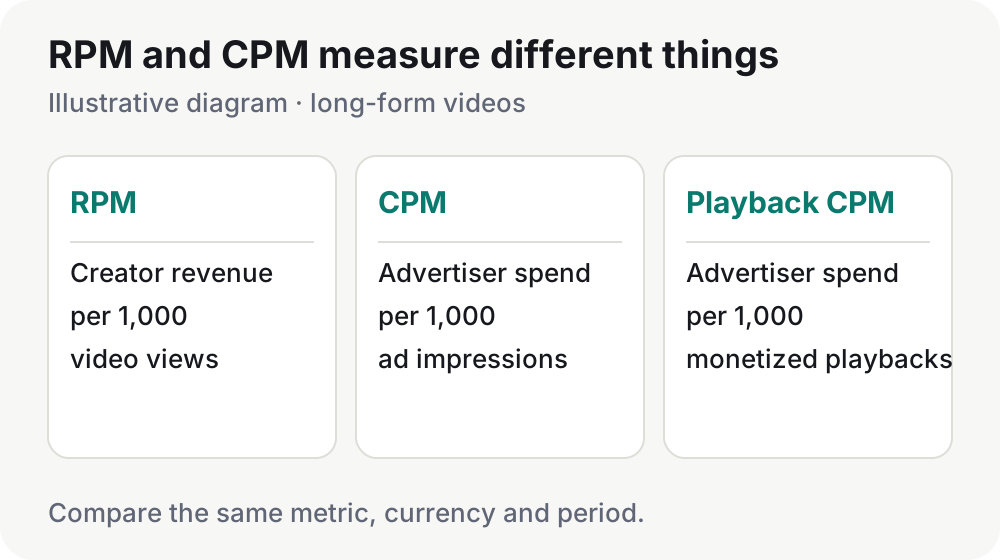
Channel revenue
Compare the right denominators and keep revenue, views and reporting periods aligned.
Read article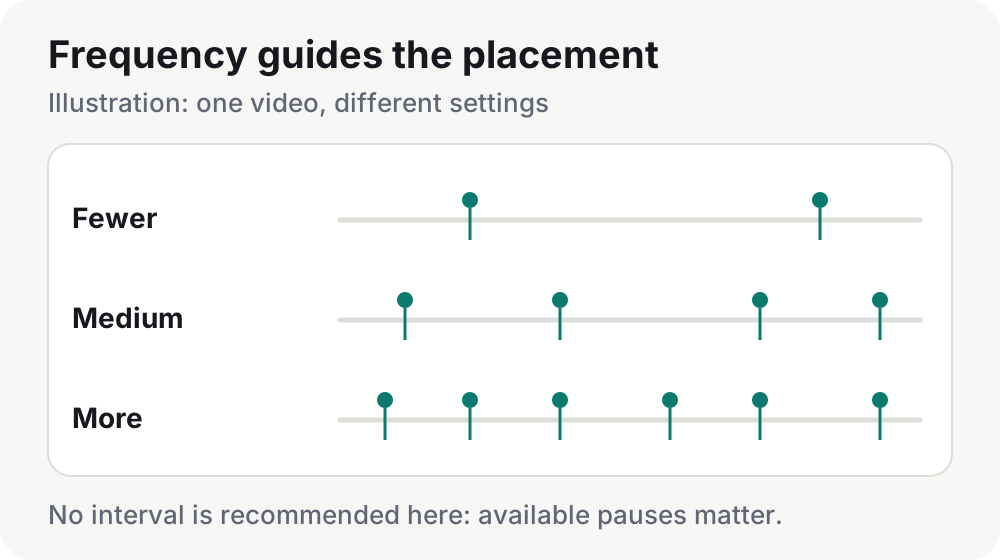
Studio placement
Treat frequency as a target and match ad-slot spacing to the transitions in your video.
Read article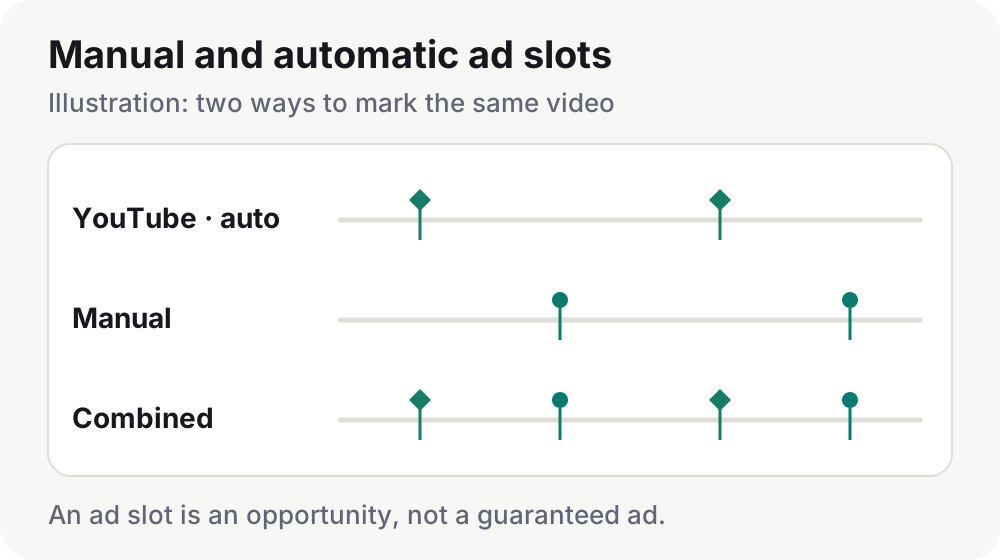
Studio placement
Combine YouTube placements with your own choices without confusing automation with the type of slot.
Read article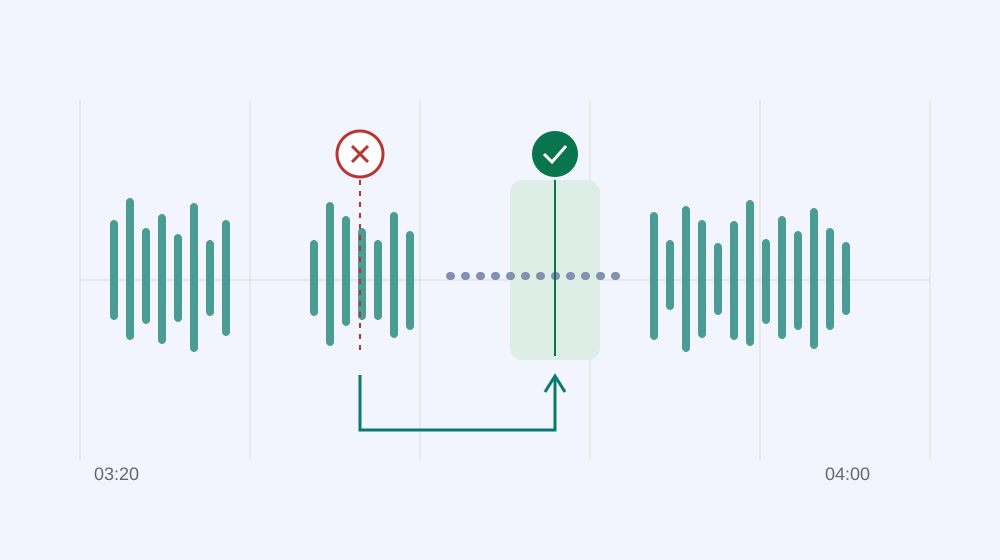
Slot feedback
Understand YouTube’s warnings, review flagged slots and choose a better transition.
Read article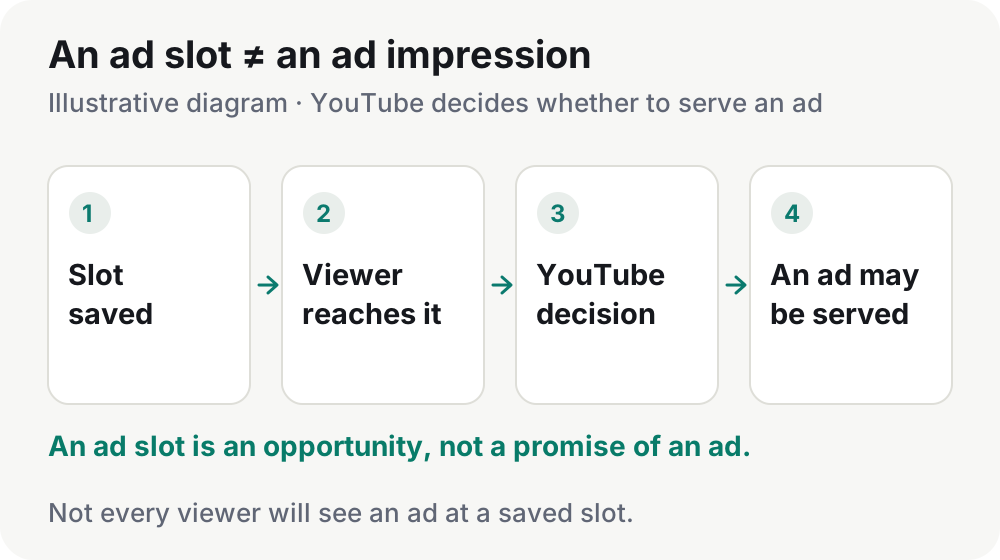
Studio placement
Separate a saved timestamp from an actual impression and check the settings you can control.
Read article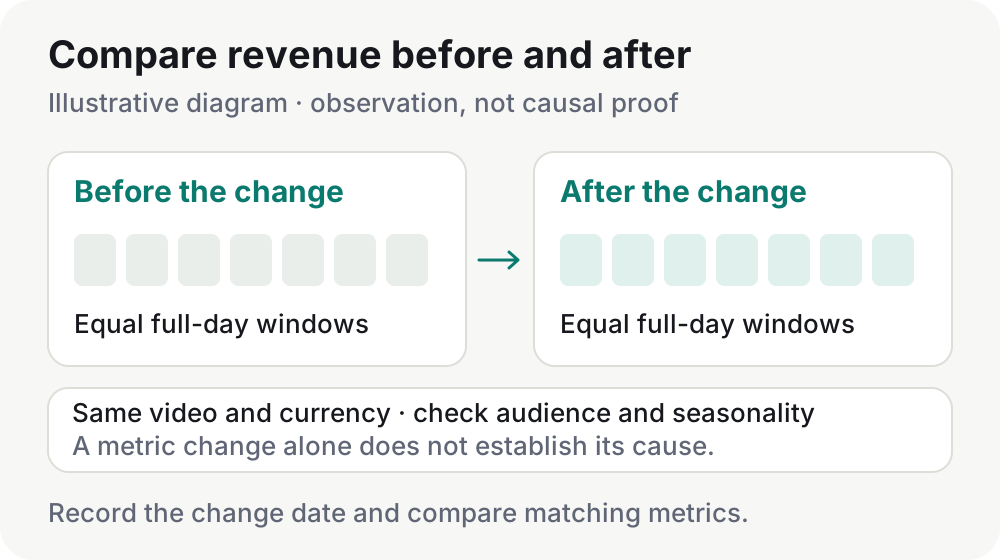
Channel revenue
Record the change and compare aligned data without mistaking timing for proof of an effect.
Read article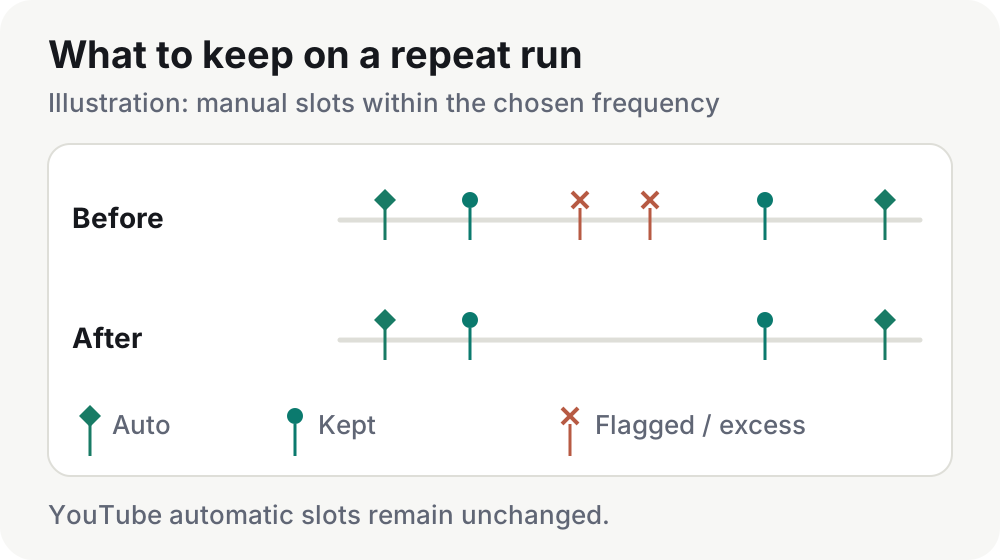
Automation
Review the retention choice before a repeat run and protect the transitions that matter to your edit.
Read articleABOUT THIS JOURNAL
The Monvilo journal is a practical library for YouTube creators who manage mid-roll ad slots in long-form videos. It follows the placement workflow from opening the YouTube Studio editor to reviewing the saved result. The focus is your video: its narration, its visual flow and the transitions worth considering for a break.
If you are new to placement, begin with our YouTube Studio ad-placement guide. It explains the steps, manual and automatic slots, saving changes and reviewing feedback. For documentaries, tutorials and narrated stories, follow it with our guide to speech pauses over background music. A pause in the voice is different from silence in the whole recording; a quick breath does not necessarily finish an explanation.
Review the platform’s feedback after saving. Our explanation of “Ads unlikely to show here” helps you examine a flagged point and consider nearby alternatives. A placement creates an opportunity for an ad, not a promise that every viewer will see one. Counting slots alone cannot establish that revenue increased or that the viewing experience improved.
Monvilo helps find speech pauses, choose slots for a target frequency, save placements and check YouTube feedback. The guides distinguish tasks you can automate from passages worth listening to yourself. Diagrams are labeled as illustrations, interface examples identify the version and sample data, and platform guidance links to official sources.
Choose the guide that matches your task, then follow the related reading. Each article has a separate English and Russian version with a direct translation link. When you are ready to try the workflow on a video, use the Monvilo installation guide.